
With us you can verify as many accounts as you want — no one-account limit.
How to get verified on FACEIT
Smurf and can’t get past verification?
We’ll help you pass it — fast, easy, and stress-free.
WHY VERIFY
FACEIT now requires identity verification, and for many players it’s a real headache — especially if you run more than one account.
Running smurfs and need several accounts verified? Doing boosting, or buying and selling accounts? We’ll get every account through verification for you.
No stress, no failed attempts, no risking your main. Hand us the accounts and we handle the whole process — with a 90% pass rate and a full refund if we don’t get it done.
Get verified now ↗The good part
Smurfs, boosting or reselling — we get every account verified for you.
WHICH ACCOUNTS ARE
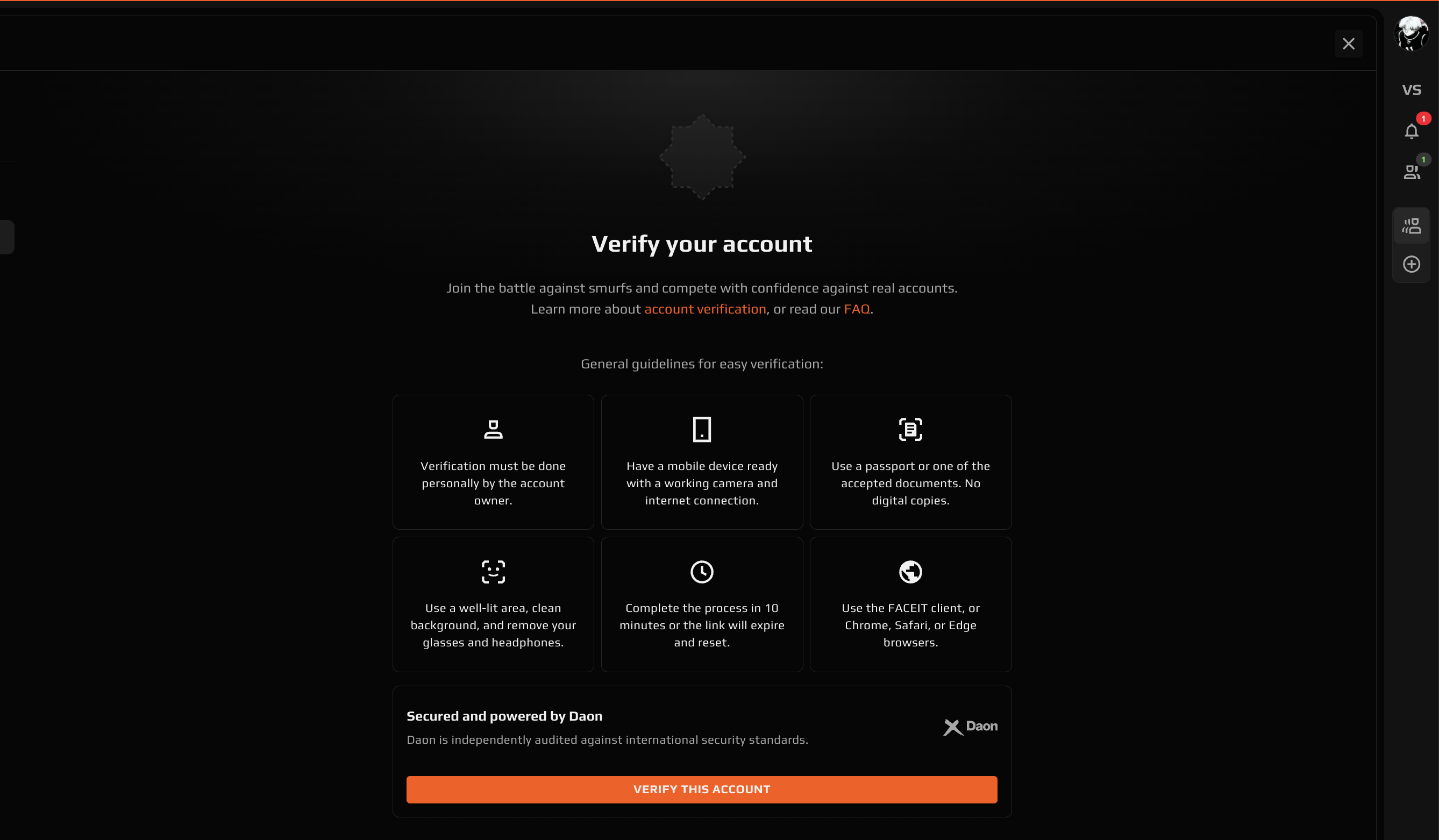
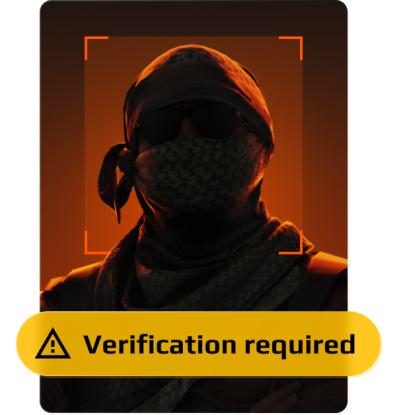
A suitable account shows the verification screen below — no earlier attempts, ready to start. This is exactly how it should look before you order.
90%
Verification pass rate
100%
Money back if we don’t pass
0
Prior verification attempts allowed
VERI
We handle the whole verification for you — no documents required on your side.
You don’t send us your passport, ID or any personal papers. Just give us access to the account and we take care of the rest, start to finish.
The process is quick and secure, with a 90% pass rate — and a full refund if the account doesn’t get verified.
Order now ↗-
 Step 1
Scan QR code
-
 Step 2
Take a selfie
-
 Step 3
Document scan
-
 Step 4
Get verified
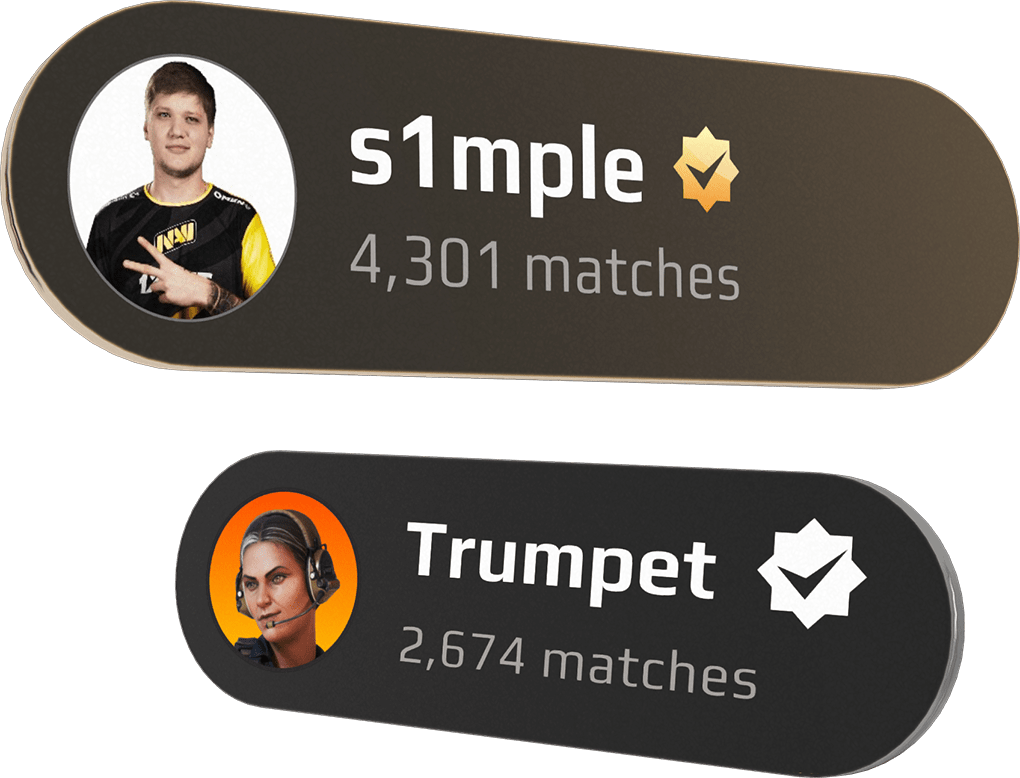
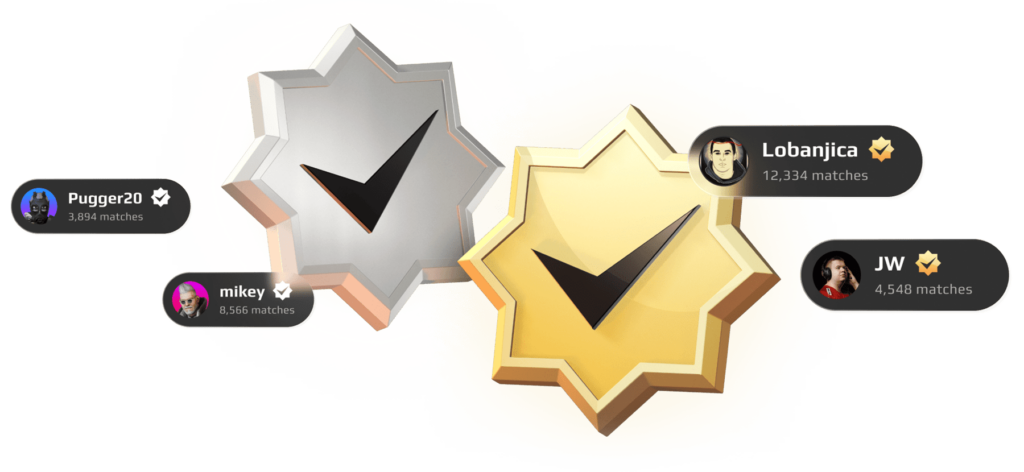
Unlock the verification icon.
Win the trust of your teammates, show opponents you’re legit, and prove you’re who you say you are — with the verified badge shown on your profile.
PROTECTION OF
Verifying an account adds an extra layer of security and trust.
It gives visibility to legitimate players and makes it harder for fraudsters to manipulate the platform by pretending to be someone they’re not.
Order with us and you also get the right to a re-verification: if an account needs another attempt, there’s a strong chance we can pass it — though it may take some time.
RELIABLE
FACEIT’s identity verification is handled by its partner, Daon — a provider trusted by major global brands that invests heavily in security and privacy, and is independently audited and certified to international standards including GDPR.
Our method goes through this exact same official flow — it’s completely legitimate, with nothing that would raise a flag with Daon or FACEIT.

DATA
Knowing what happens to your data matters. On FACEIT itself, only the fact that an account is verified is stored — no identity documents are kept there.
On our side, any data stays strictly with us and is never shared with anyone. We don’t sell, hand over or expose your details to third parties.
What’s next
VERIFICATION
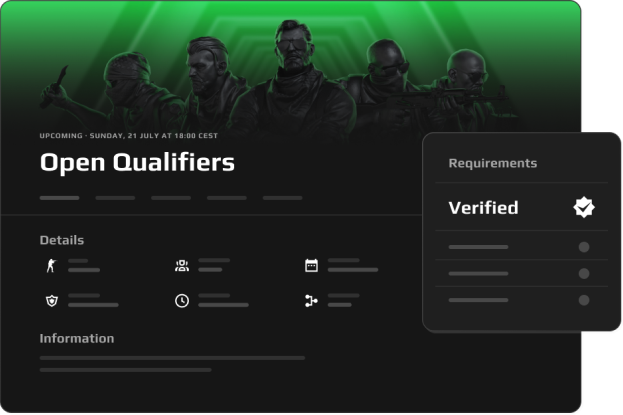
In the future, verified status may be required to access certain competitions and parts of the FACEIT experience.
For example, players taking part in official competitions such as open qualifiers may need to verify their account to compete.
TAGS TO
Verification may be required on some accounts to retain full access to FACEIT.
This extra layer raises the barrier to entry and helps cut down on malicious behaviour tied to multiple data points — especially boosting services and account black markets seen in recent months. Flagged accounts are simply asked to confirm there’s one real person behind them.
CAN’T PASS
Stuck on the face or document check? We’ll get your account verified for you — quickly, safely, and with a guaranteed result.
Verifications every day
A proven, high-volume process. Thousands of accounts pass through us daily — yours is just another routine job for our team.
Loyalty discount
Coming back for more? Regular clients get standing discounts on every order. The more you verify, the less you pay.
Wholesale & bulk orders
Boosting services, account shops and teams — we handle bulk verification at special rates. Message us for a custom quote.
Ready to get verified? Contact us ↗
Smurfing and need your account verified?
Don’t risk a failed check. Our team passes verification for you — fast, safe, and with a guaranteed result.
Get verified now ↗